Known Issues
This page tracks the outstanding Prisma Access Browser issues and any known workarounds.
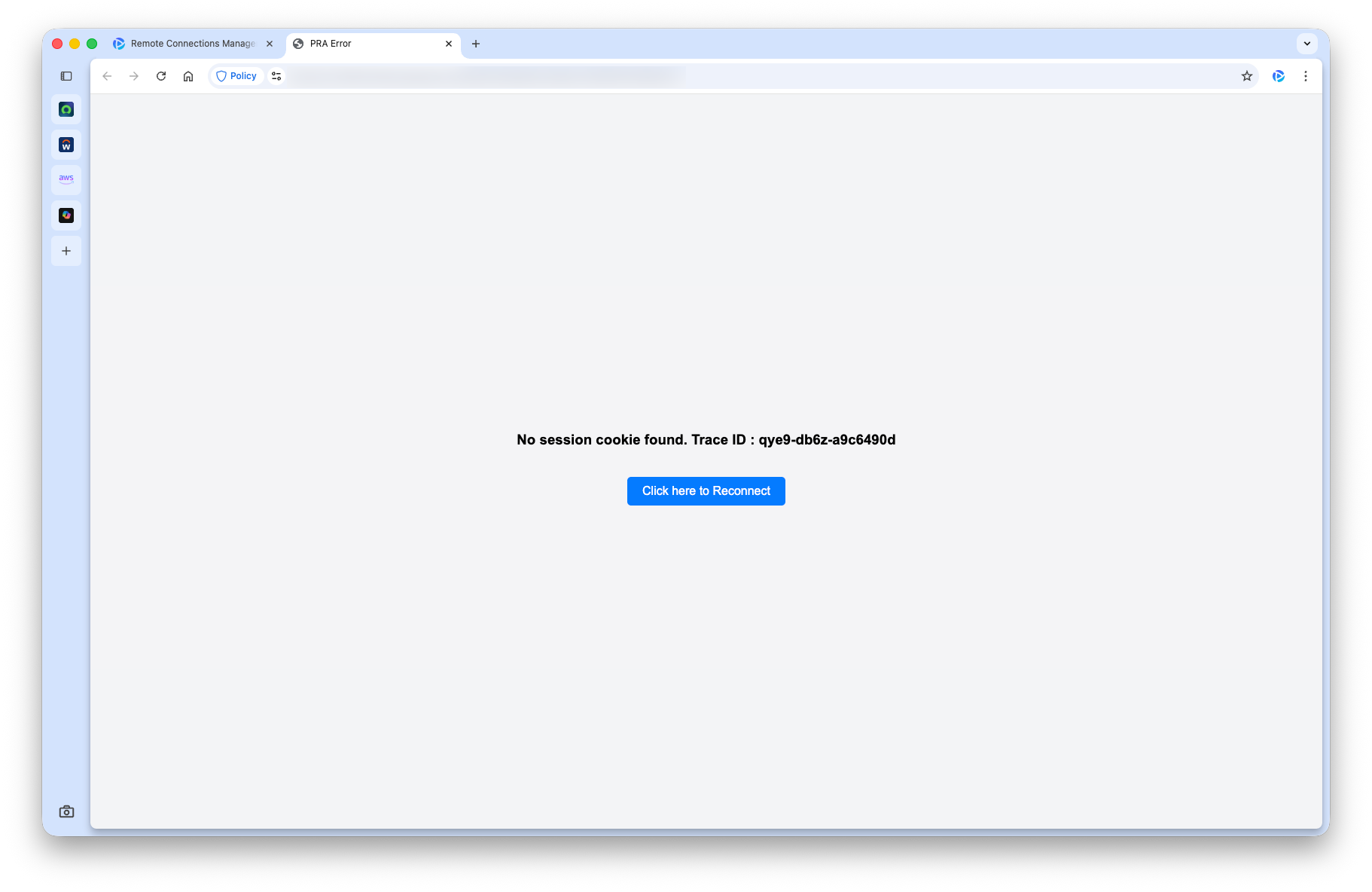
No session cookie found
This error happens fairly consistently when you close the browser and re-open it after a period of time. We've seen this behavior frequently when closing PAB for the evening and opening it the next day to start a remote connection.
Workaround
Try these steps, in this order, to resolve this issue:
- Click the blue Click here to Reconnect button.
- Hard quit the browser and reopen.
- If 1 and 2 are unsuccessful, go to Settings → Privacy and security → Delete browsing data. For Time range, select All time to be safe. Lastly, hard close and reopen the browser.
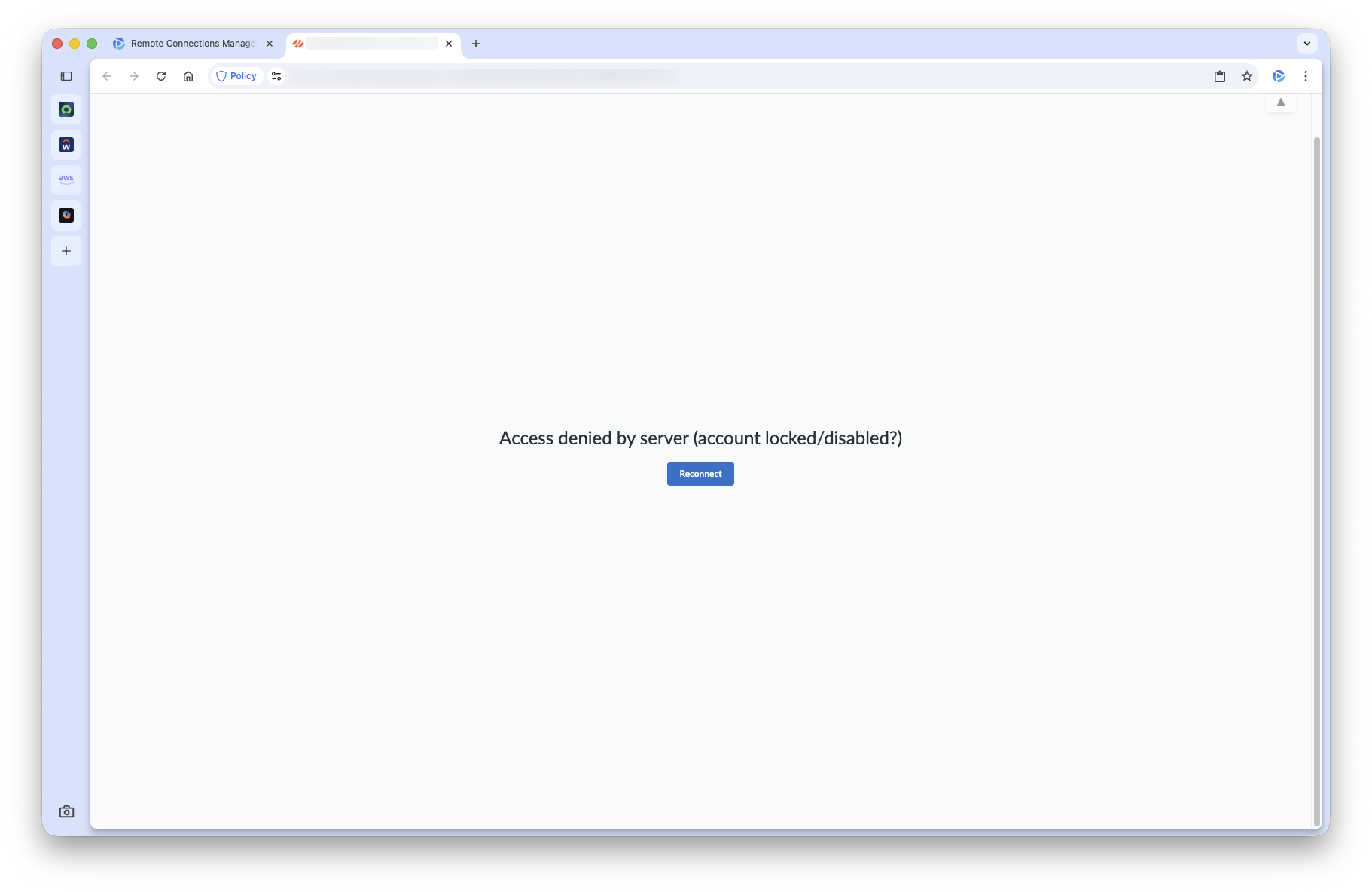
Intermittent Connectivity Issue with Saved Credentials
When using a remote connection with saved credentials (this is the standard for our guest users), sometimes an error is returned like the one below:
Workaround
Close the tab and try the connection again. Repeat this process until you successfully connect.
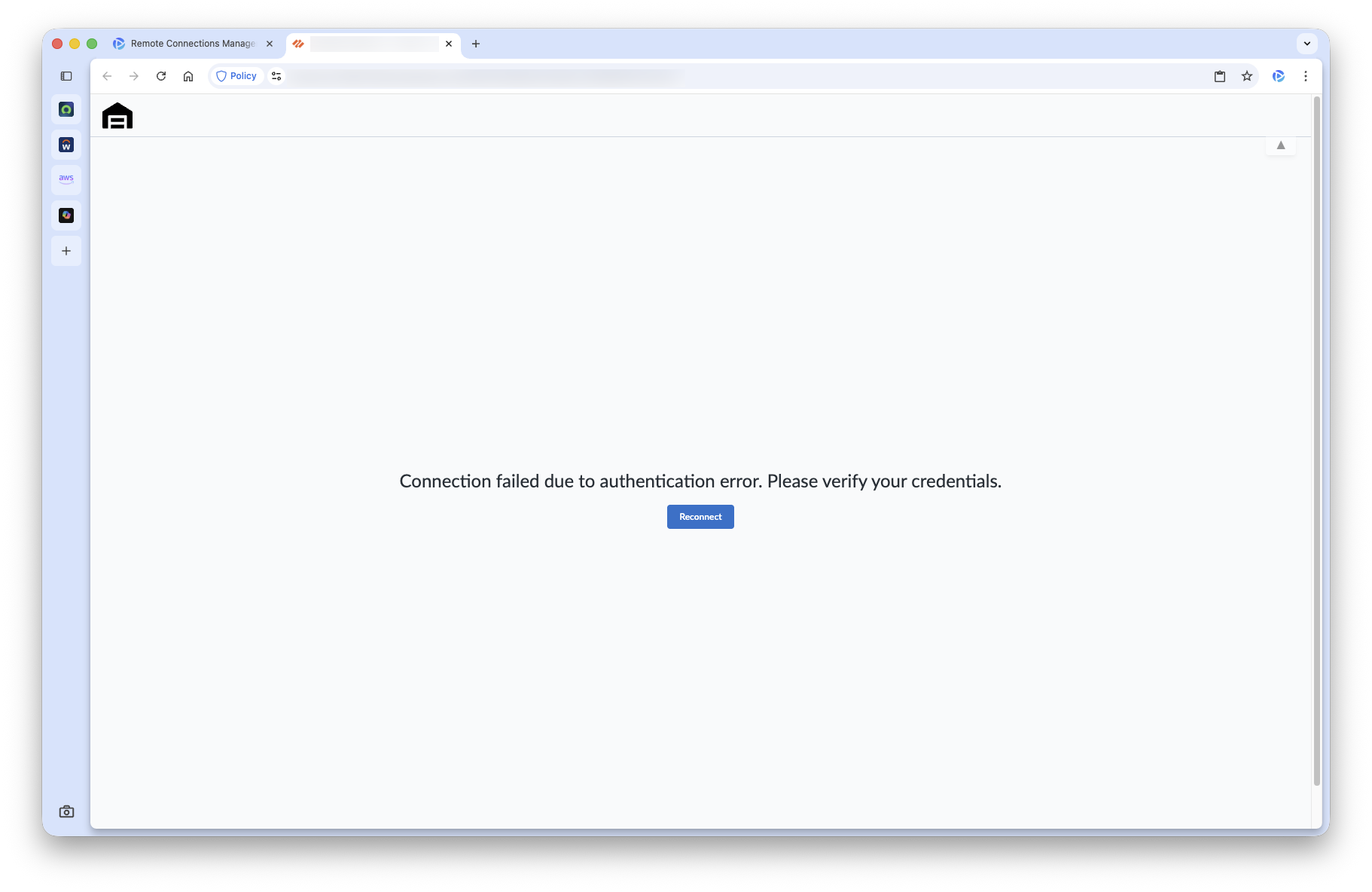
Logoff Error
When running the logoff command on a Windows instance or the logout command on a Linux instance, an error is displayed if you leave the tab open:
Workaround
Ignore the error and close the tab.
⚠️ If this is your only open tab, closing the tab will close the browser too.
📝 A different error than the one above may appear, ignore that as well. These errors are not consistent with what is actually happening.
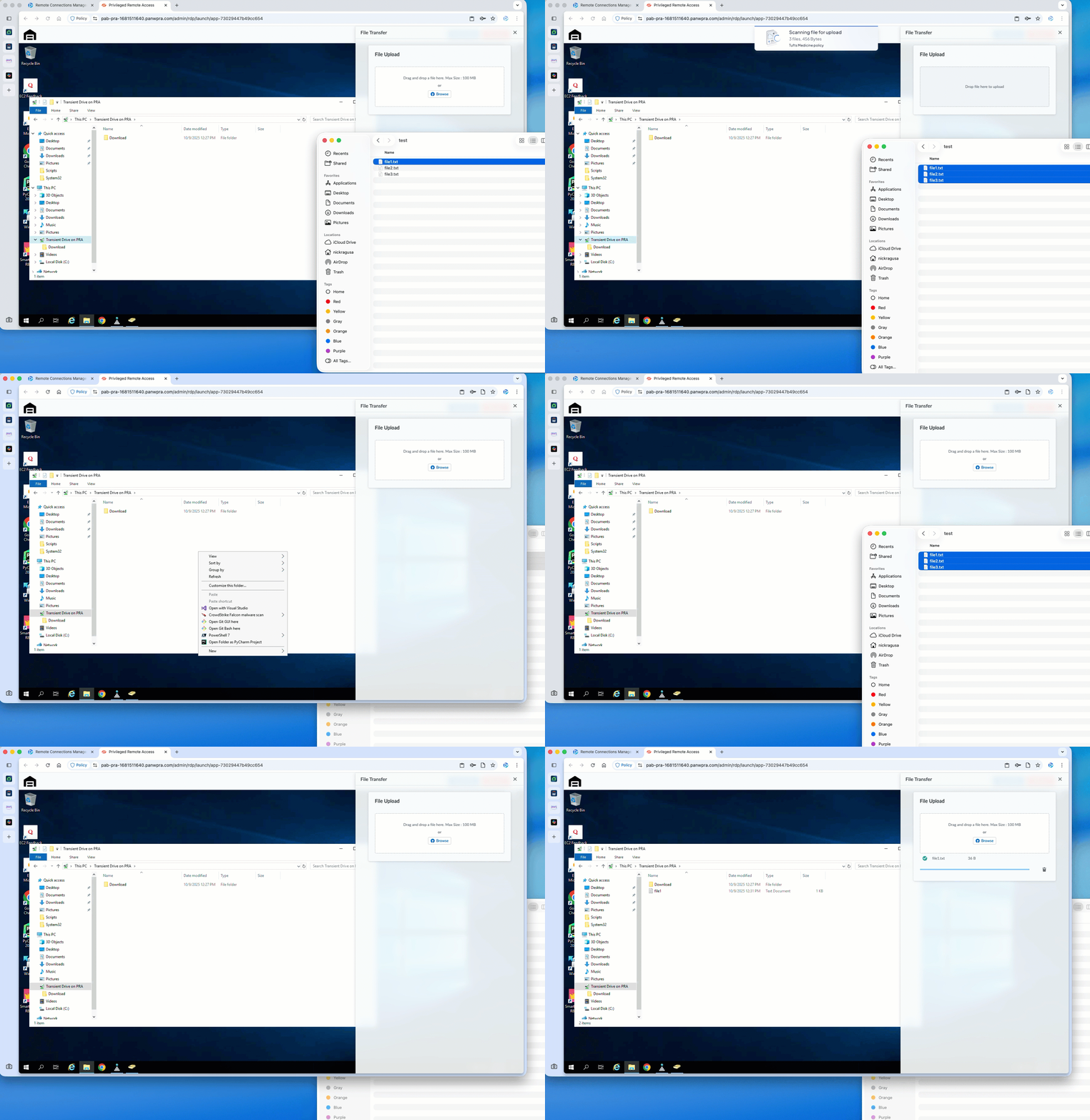
Can’t Transfer Multiple Files at Once
When you drag / drop multiple files at once in the Transfer files interface, an icon appears and it looks like the files are transferred. However, no files are actually transferred.
Workaround
Drag and drop a single file at a time.